OTT Website

It’s time to
Level Up

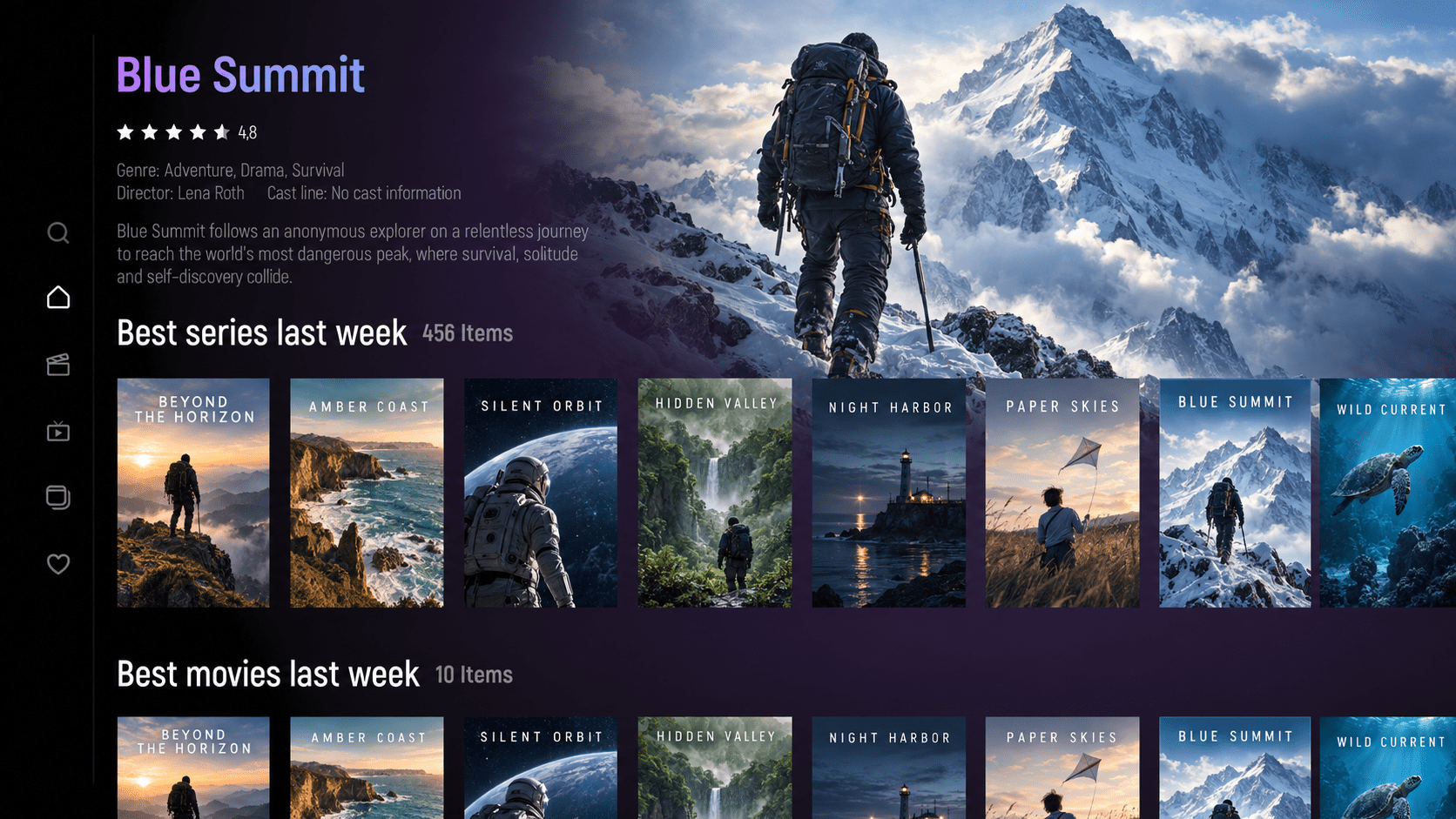
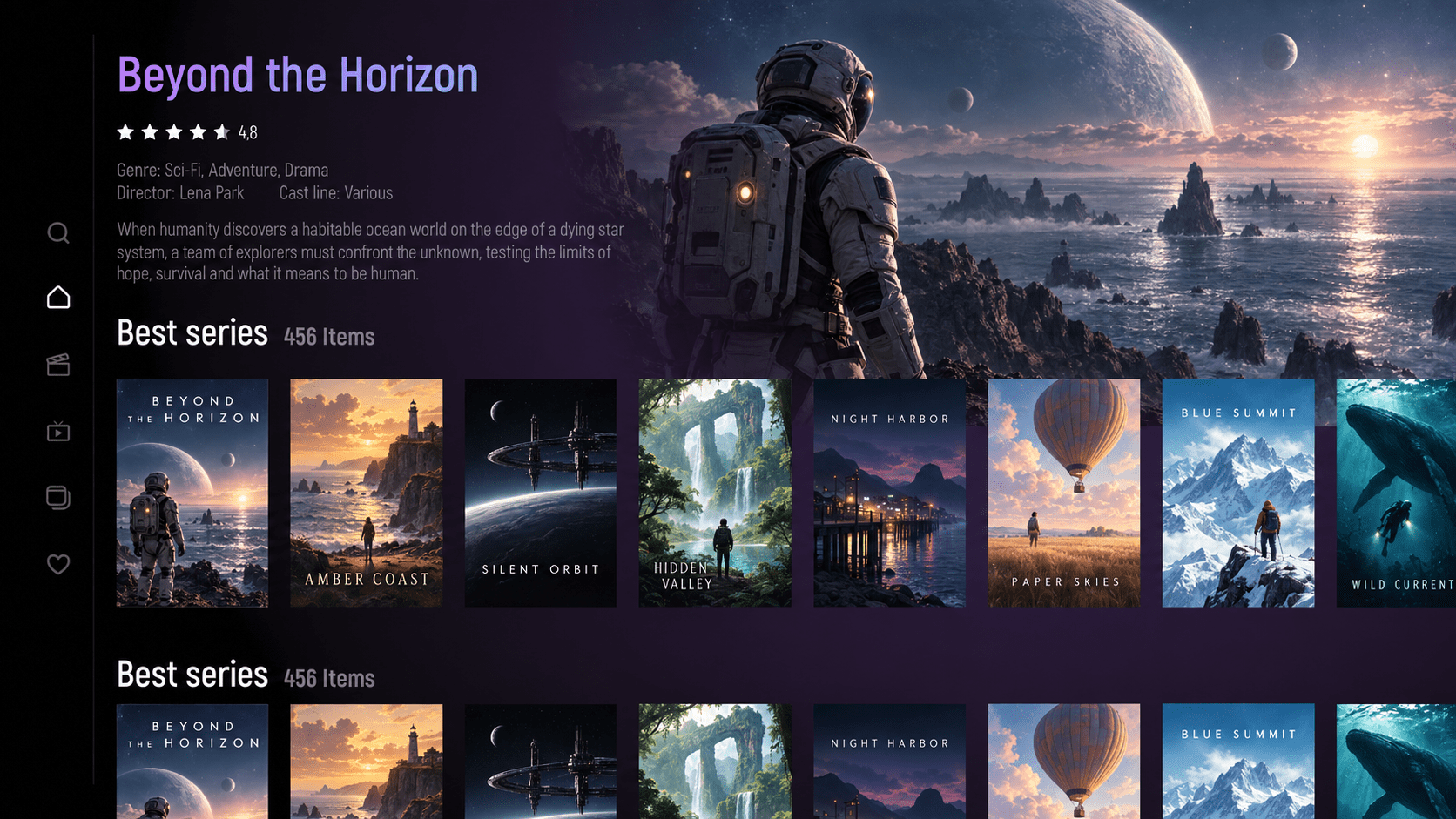
Discover a better way to enjoy your media with OTT+ Player Pro. A sleek, intuitive interface makes browsing your playlists and playing your favorite content effortless.

It’s time to
Level Up

User friendly
Support Xtream UI (Xtream Codes API v2.9)
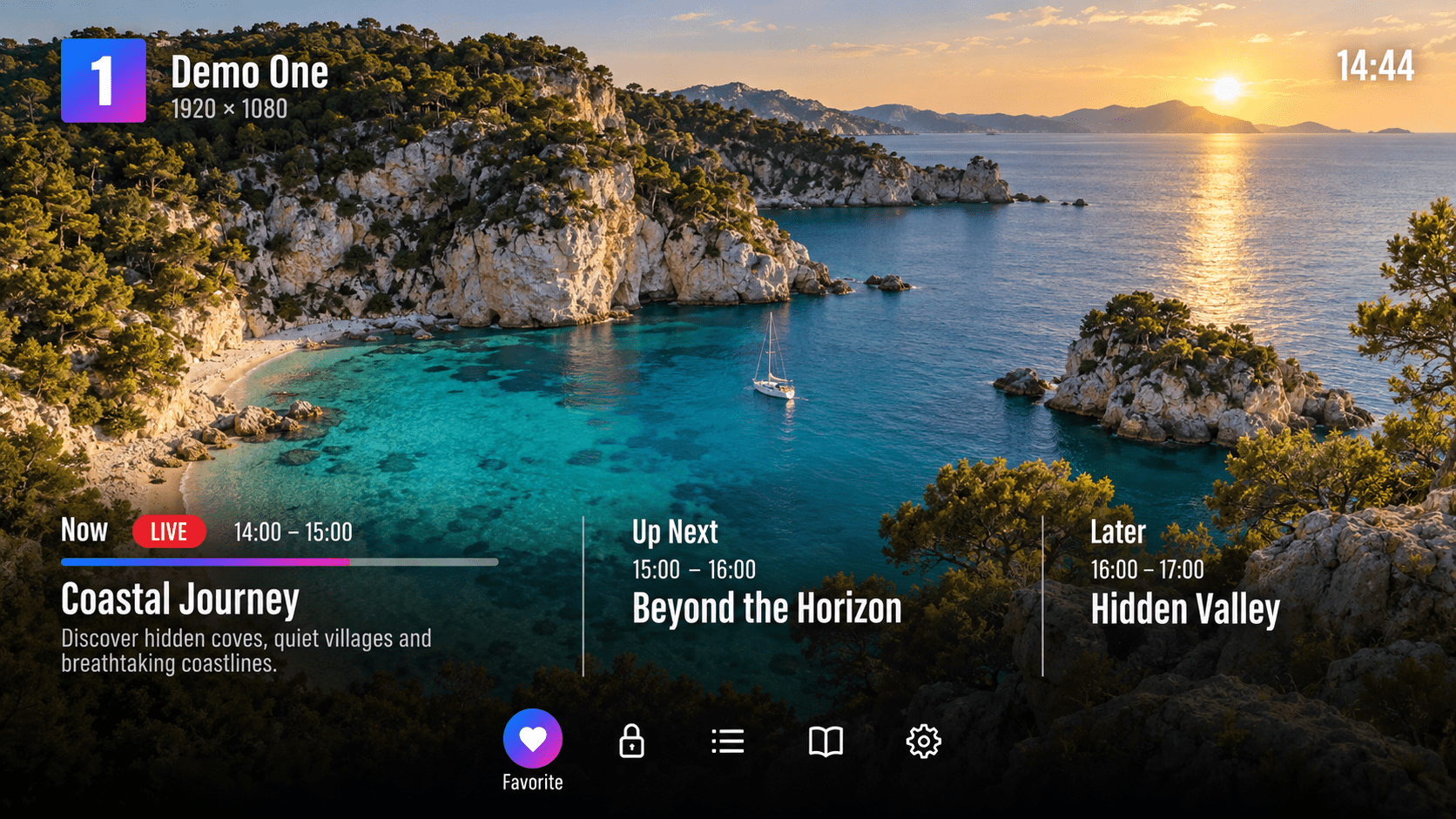
Displaying Catchup and Channel list on full
screen mode

Your media. Your way.
One beautiful player.

Enjoy your playlists with OTT+ Player Pro’s sleek design and simple navigation.

Multiportal

Use different OTT/IPTV portal at the same time

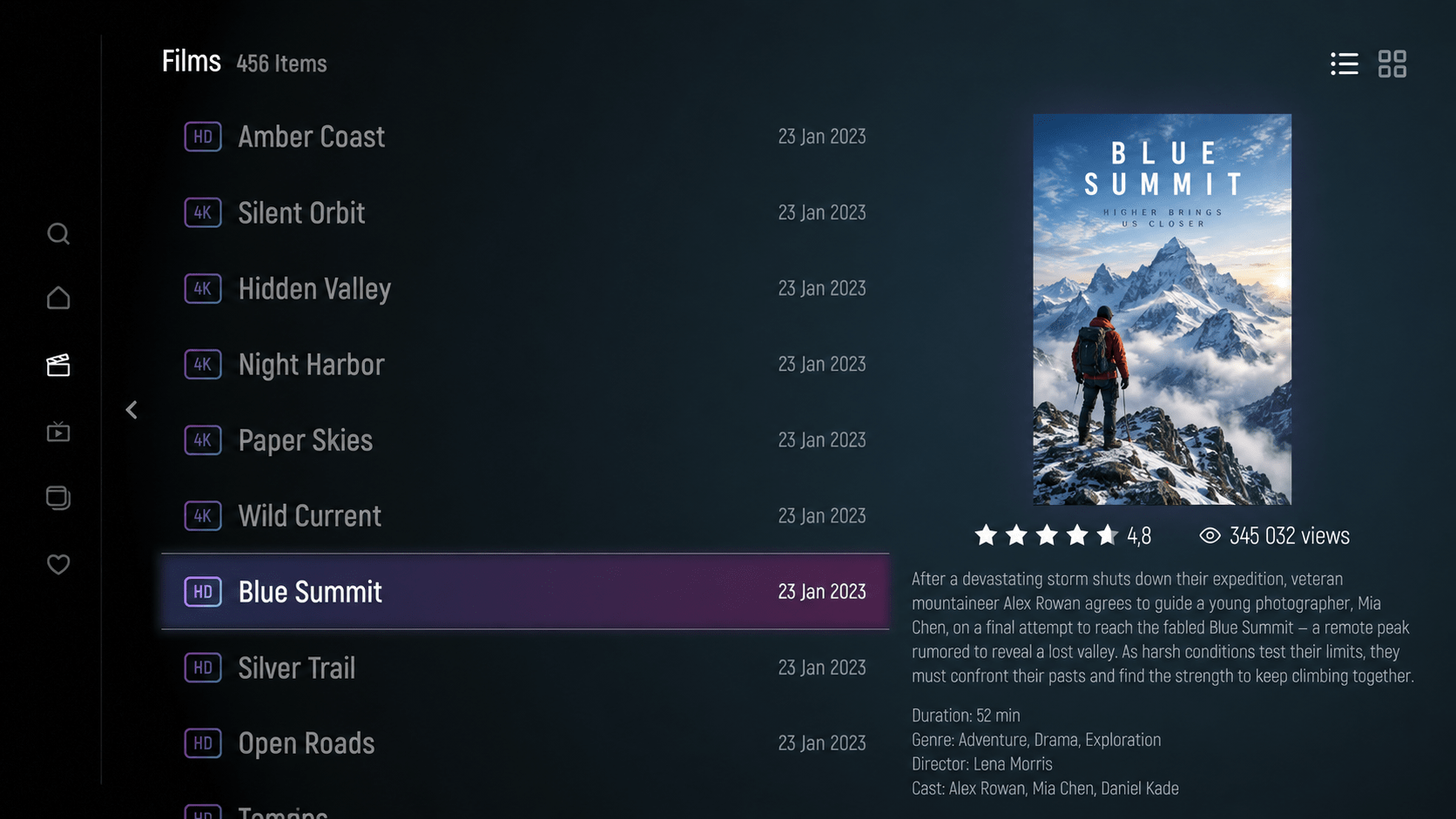
VOD

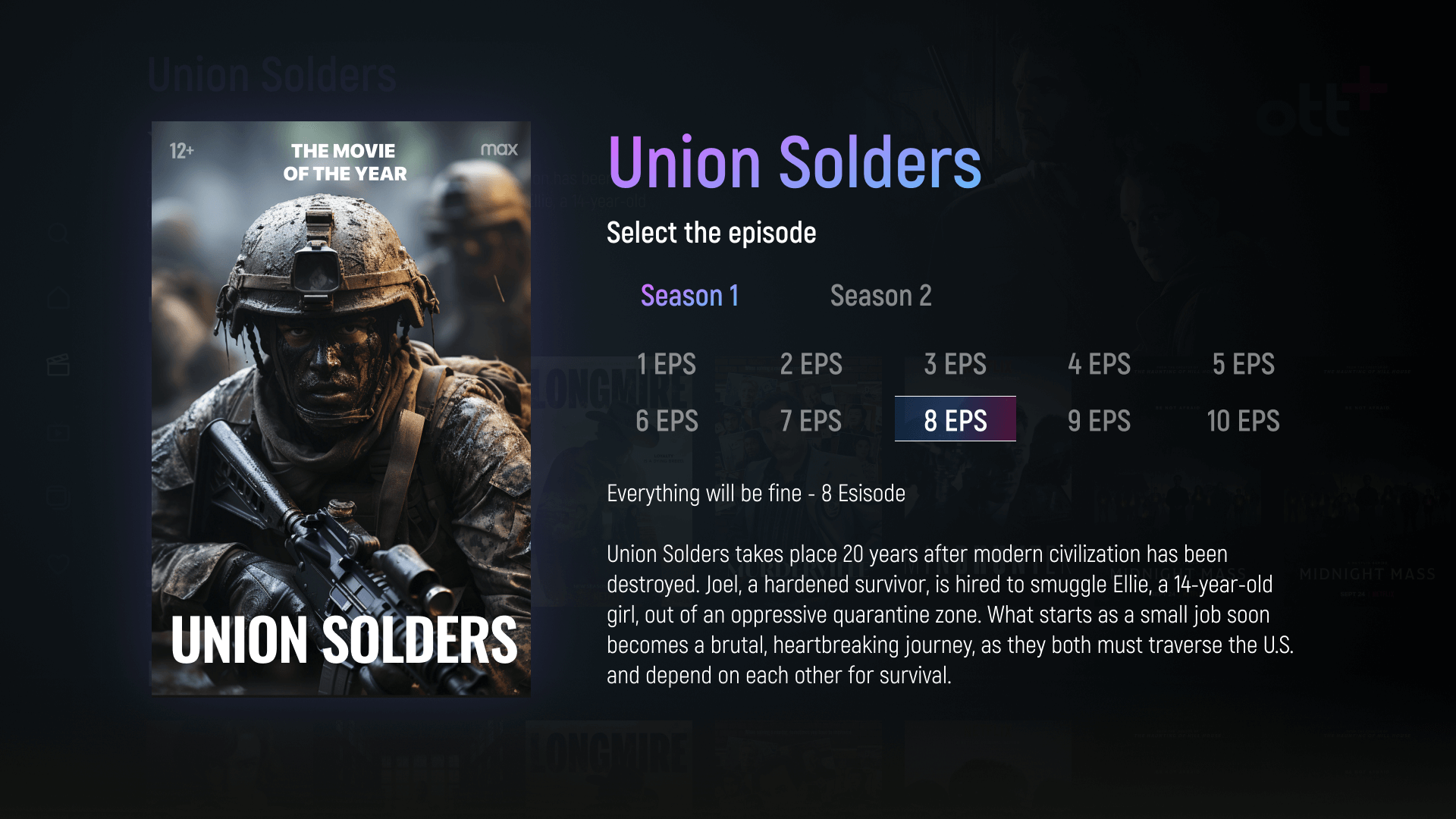
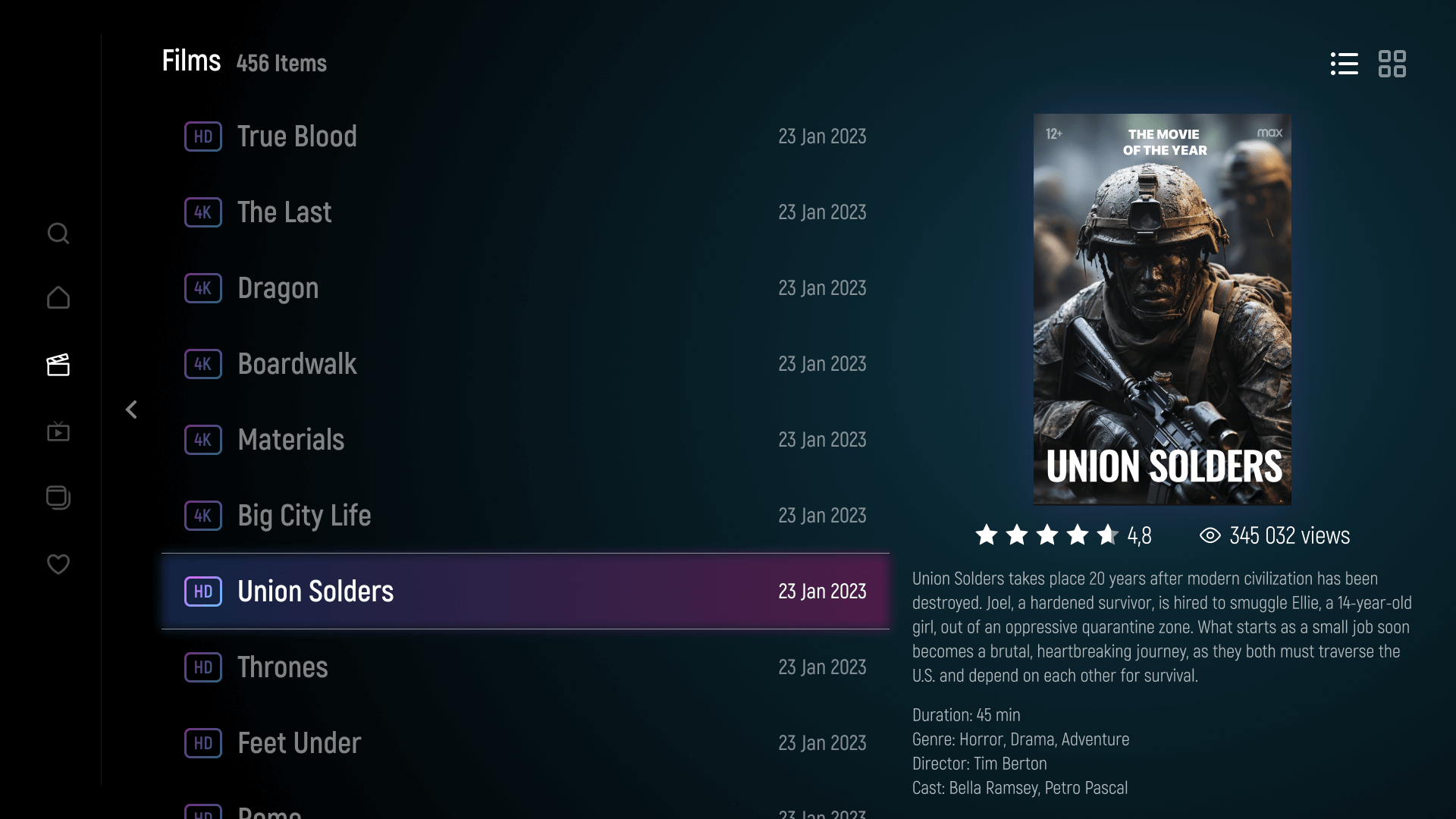
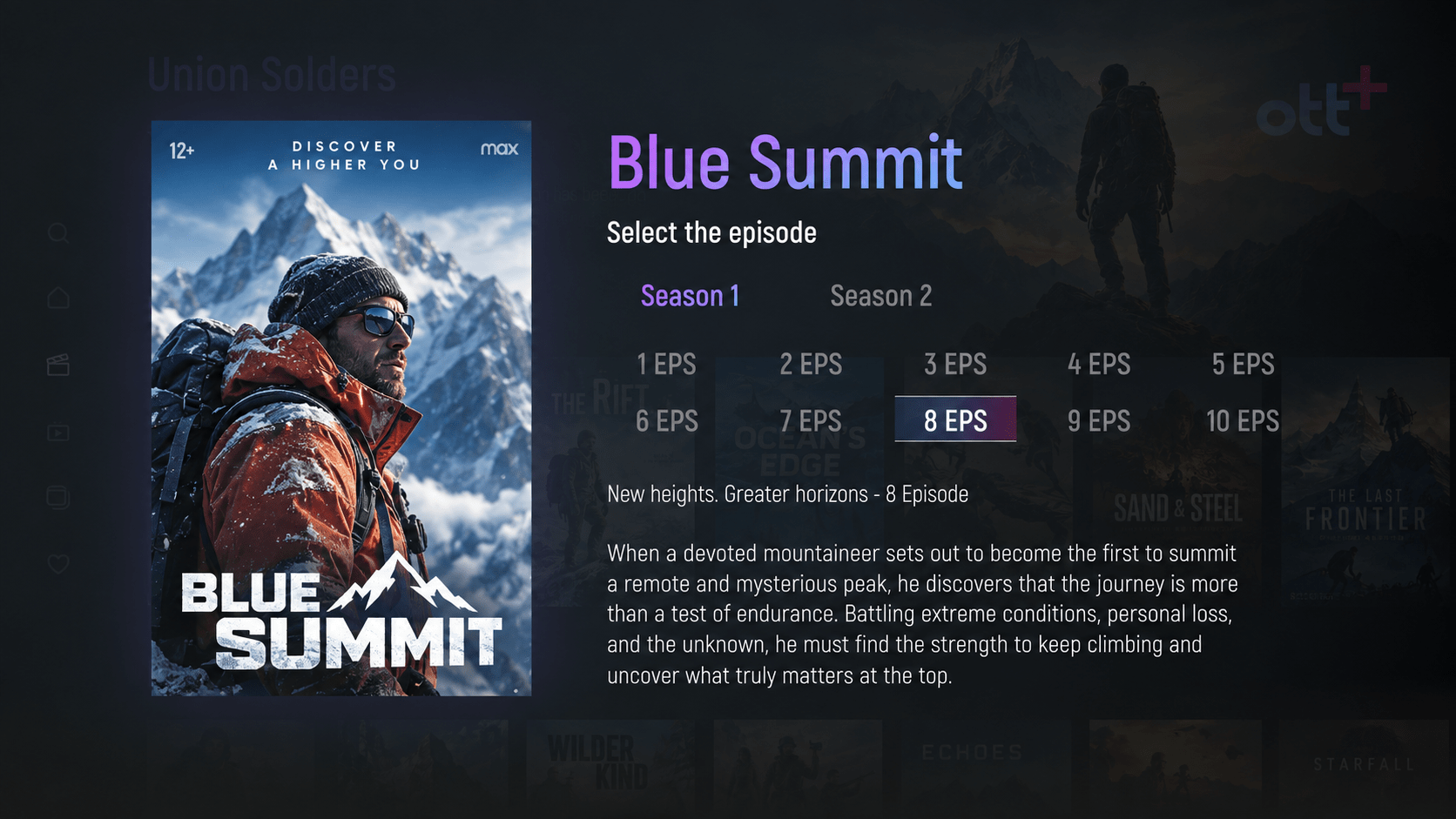
Import your movies and series with fast and accurate control

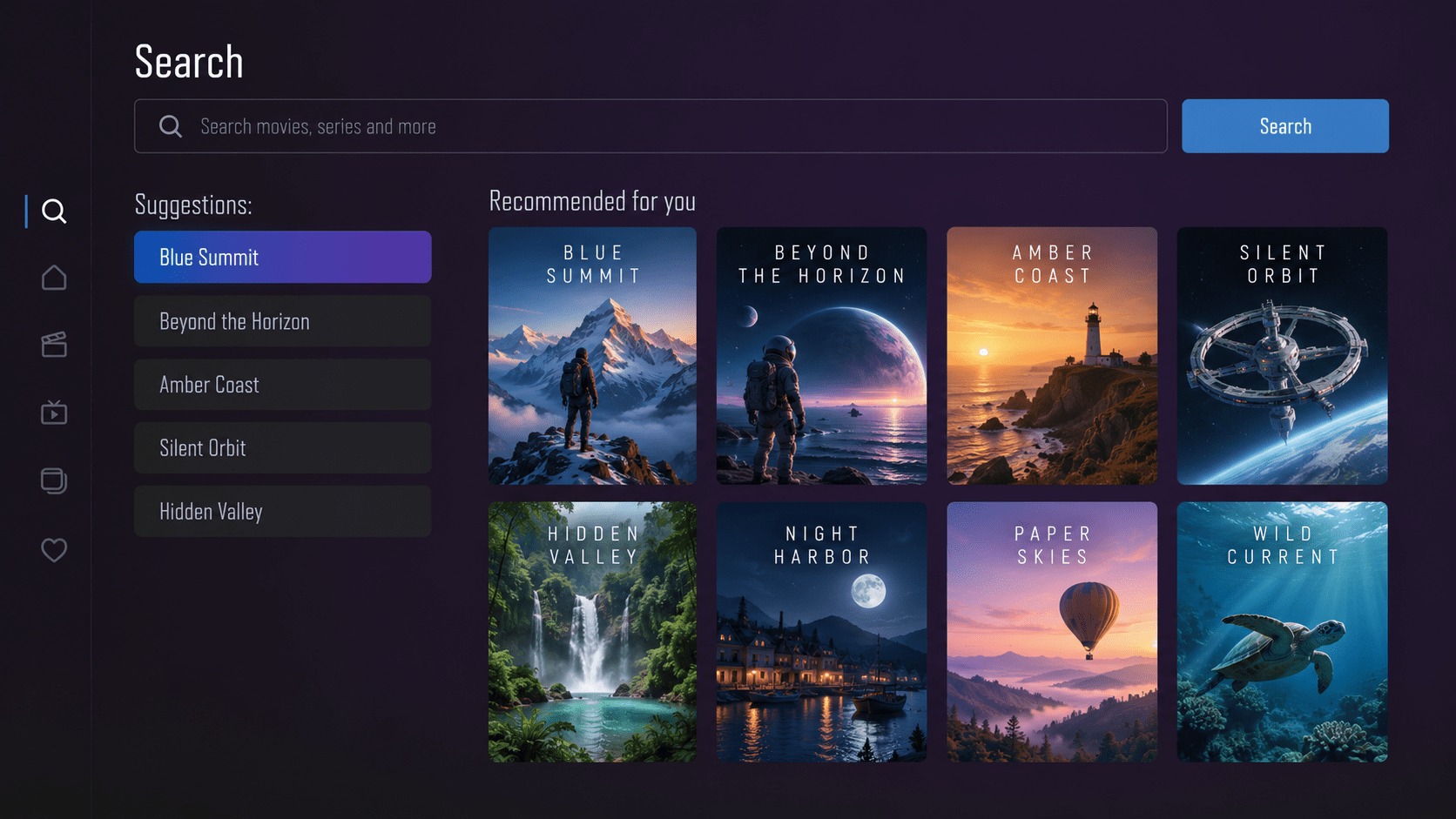
Search function

Search for content with fast and accurate search function

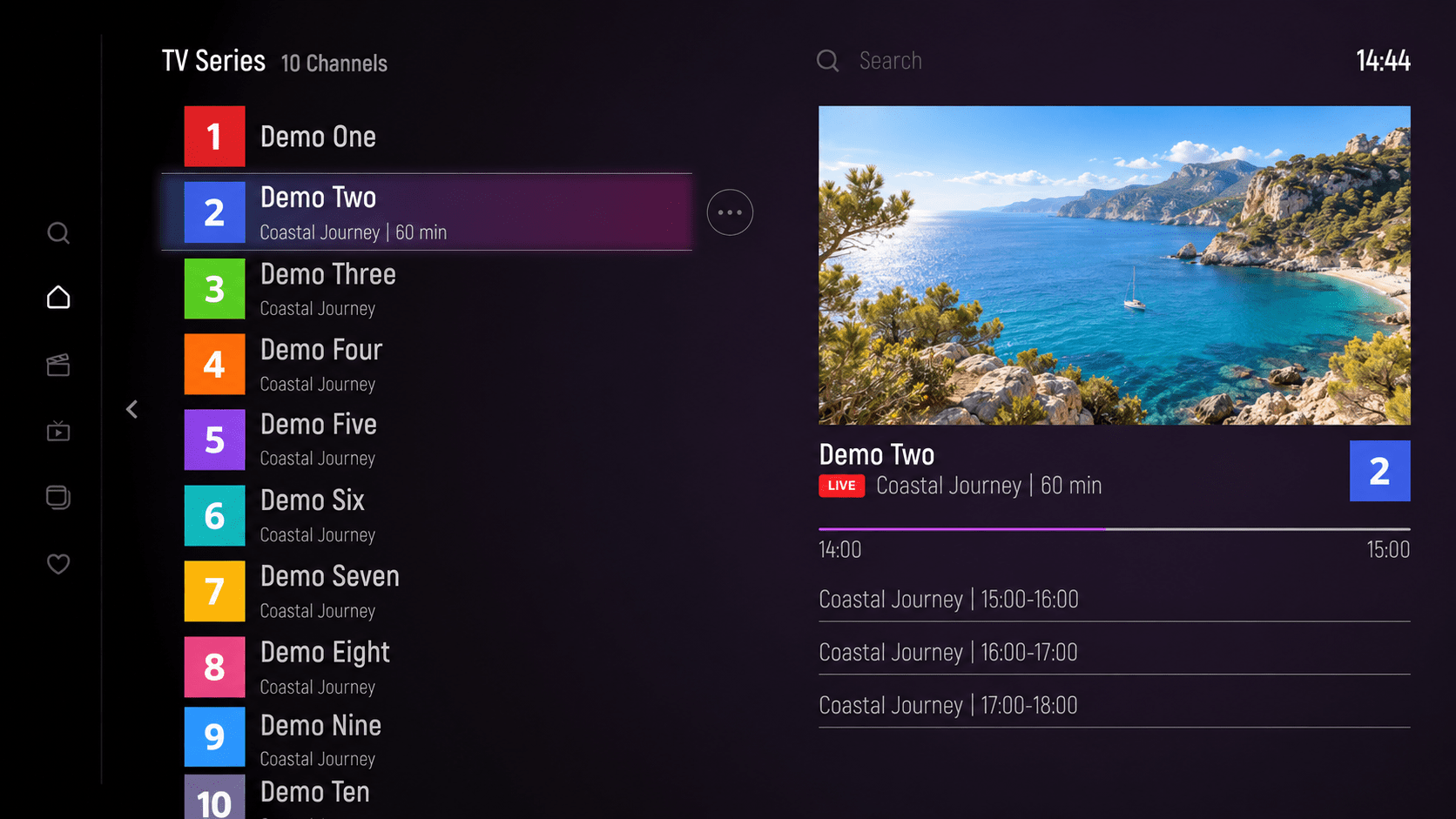
Live TV • catch-up

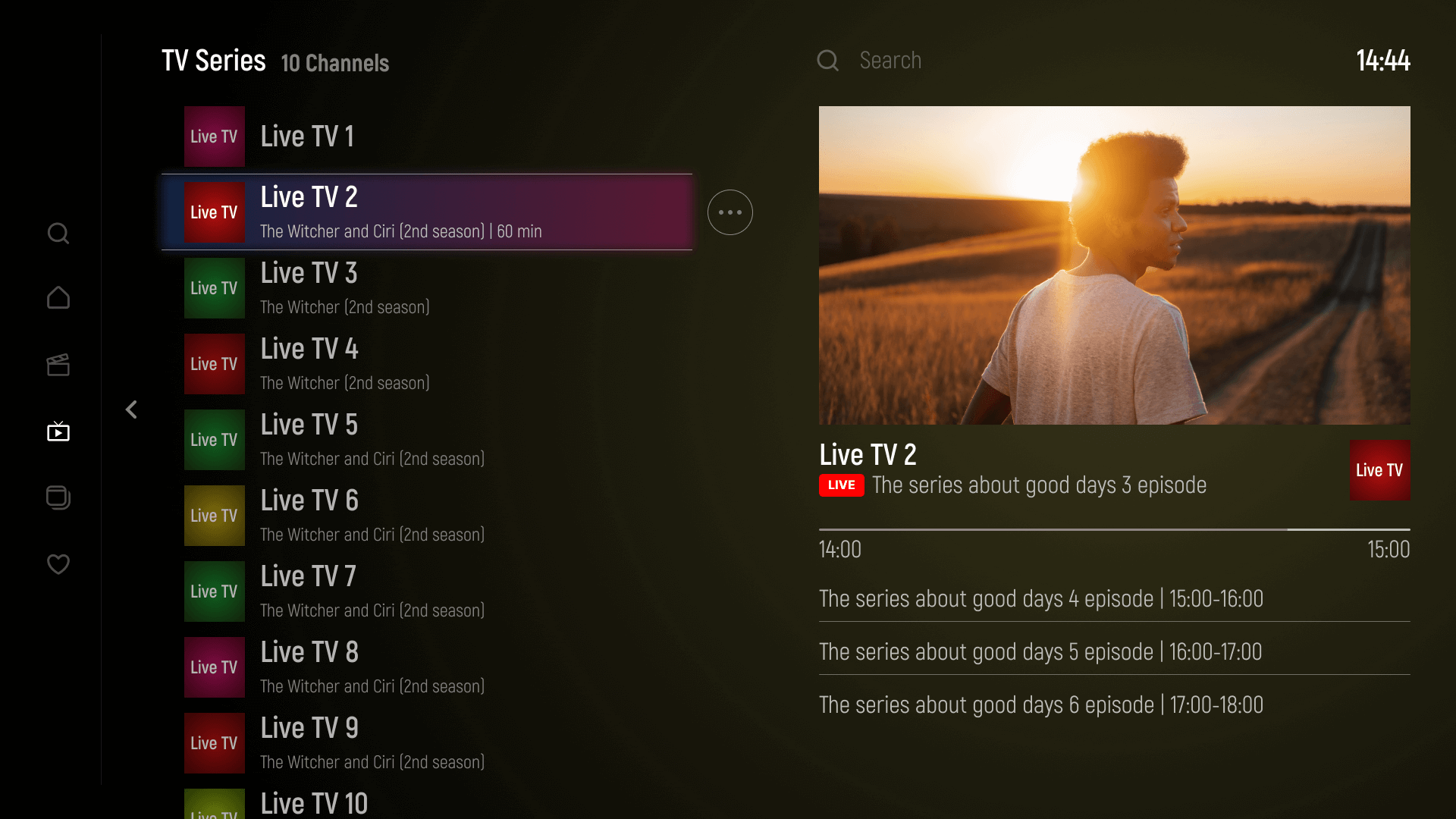
Get your live channels and categories smoothly, channel, catchup and EPG

Advanced setting

Set up your app the way you want
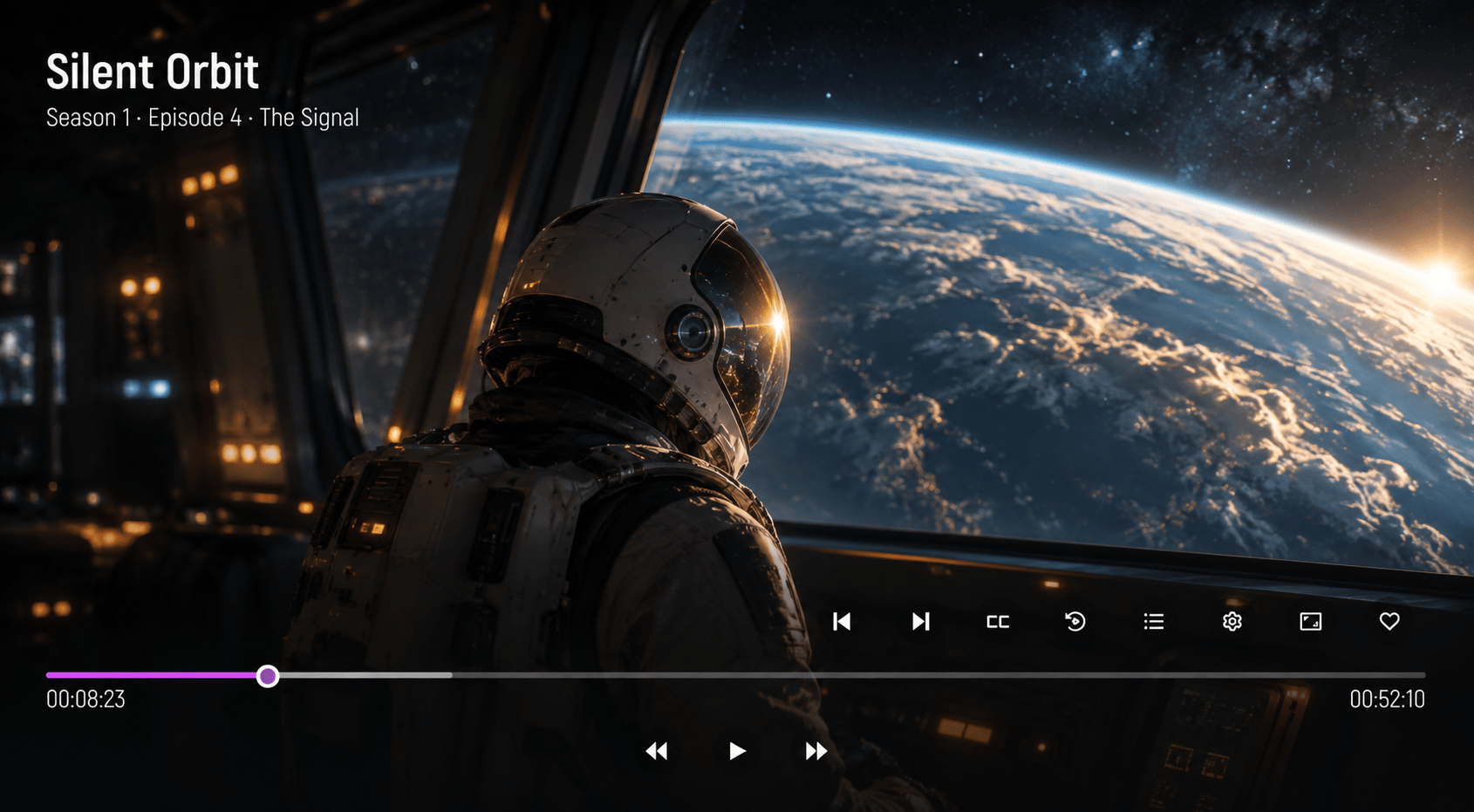
Multi audio•subtitles

Choose different audio track or subtitles from your playlist

Parental Control

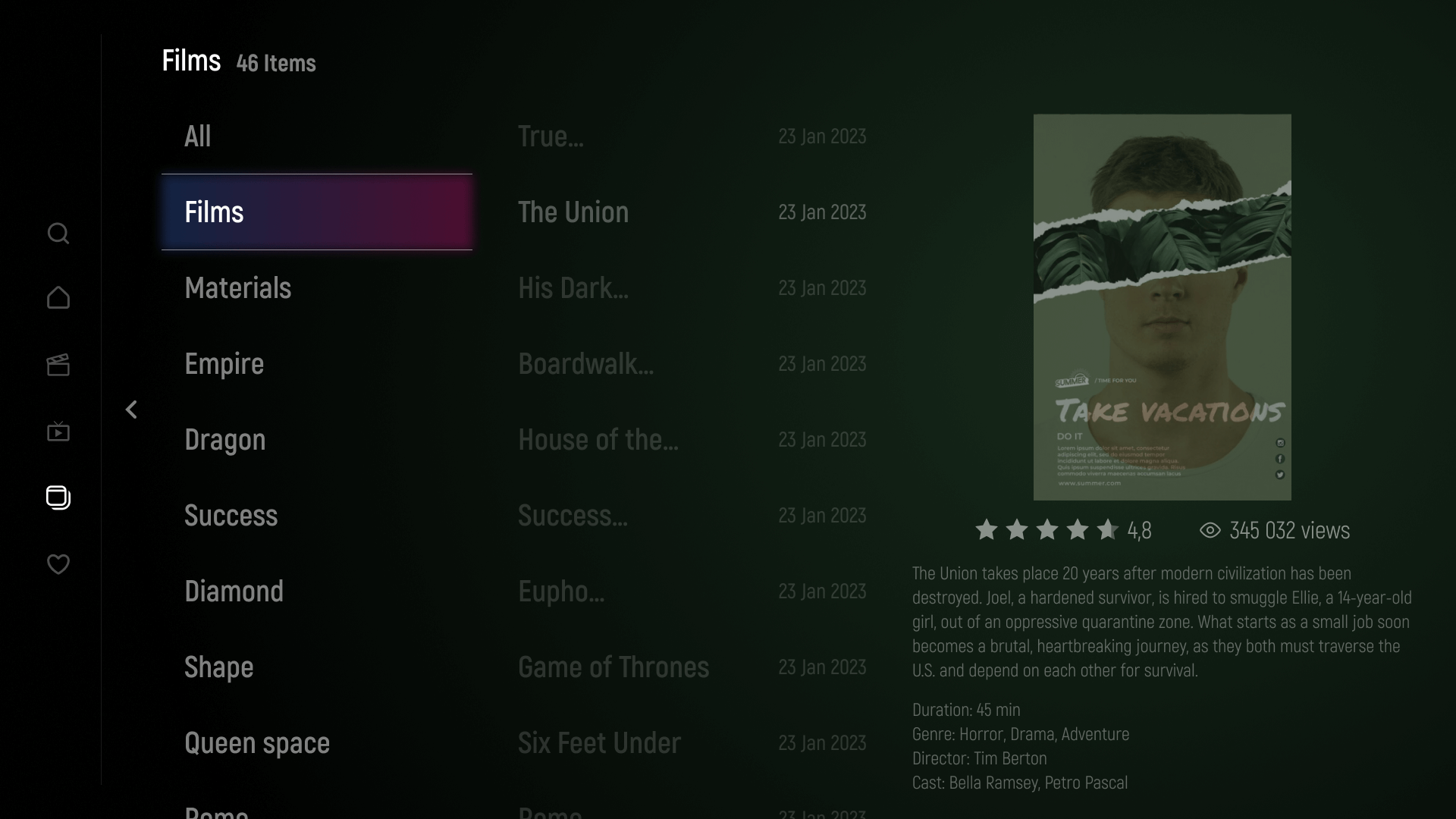
Build your favourite section with your loved content

Sleek design.
Simple to use.

The best user
experience and
visual appeal

Explore your playlists with ease. A clean layout and intuitive controls put your favorite content within easy reach.

The best user
experience and
visual appeal

Why I say old chap that is, spiffing off his nut cor blimey guvnor geeza bloke knees up bobby, sloshed arse William cack Richard. Bloke fanny around chesed

How it Works

Get started in three simple steps: install the app, add your own playlist, and activate your license after your trial. This is a media player only; no channels, movies, or series are included.

Install the app on your compatible device and use the 7-day free trial to test it with your own content sources.

Use the upload code displayed in the app to add your playlist through the website, or enter your portal URL, username, and password directly in the app. Only use sources you are authorized to access.

After testing the app, choose your license. Once payment is completed, your activation key appears on the order confirmation page and is sent by email. Enter it in the app to activate your device.

Get started in three simple steps: install the app, add your own playlist, and activate your license after your trial. This is a media player only; no channels, movies, or series are included.

Affordable Pricing Plans

Licence Life Time

$ 14,99
  • Live, Movies, Series, Streaming Supported
  • Unlimited portals
  • Catchup / replay
  • Favorites
  • EPG
  • Search engine
  • Parental control
  • Built in fast player

It's suitable to all devices and screens

Enjoy your playlists on Samsung and LG Smart TVs, Android boxes, and Amazon Fire TV Stick. Apple, Roku, and VIDAA support is coming soon.

It's suitable to all devices and screens

Enjoy your playlists on Samsung and LG Smart TVs, Android boxes, and Amazon Fire TV Stick. Apple, Roku, and VIDAA support is coming soon.

lg-webos-new 1

coming soon

Download ott + player

Upload your list, or enter your IPTV/OTT portal information, our app is compatible with Xtream api 2.9

Upload your list

Upload your list, or enter your IPTV/OTT portal information, our app is compatible with Xtream api 2.9

Enjoy for 7 days

Upload your list, or enter your IPTV/OTT portal information, our app is compatible with Xtream api 2.9

Awesome App Screens

FAQ

Here you can see the support video for solving your real problems
that you obstacled while using app

FREQUENTLY ASKED QUESTIONS

How does OTT+ Player Pro work?

Install OTT+ Player Pro on a compatible device, then add your own playlist or enter the connection details supplied by your authorized content provider. The app lets you browse and play content from that source. OTT+ Player Pro is a media player only and does not provide channels, movies, series, or streaming subscriptions.

OTT+ Player Pro is available on Samsung Smart TVs, LG Smart TVs, Android boxes, and Amazon Fire TV Stick. Support for Apple devices, Roku, and VIDAA is coming soon.

You can add your playlist in two ways:

  • Through the website: Open the app to find your upload code, then visit the website’s Upload Playlist page and use that code to add your playlist.
  • Directly in the app: Enter your portal URL, username, and password supplied by your authorized content provider.

The free trial gives you 7 days to test OTT+ Player Pro with your device and your own content sources before purchasing a license. No channels, movies, series, or playlists are included. To continue using the app after the trial, purchase a license and enter your activation key.

Once your payment is completed, your activation key will appear on the order confirmation page and will also be sent to the email address provided at checkout. Open OTT+ Player Pro on the device you want to activate, go to the activation section, and enter your key.

Disclaimer!

OTT+ is a media player. No content is included.

Your license provides access to the application’s features for the duration and number of devices in your selected plan. It does not include TV channels, movies, series, playlists, or streaming subscriptions. Any posters or program images on this website are for illustration only.

You add your own compatible sources, such as personal media, an authorized provider, or private streams you have permission to access. You are responsible for ensuring that your content and its use respect copyright and applicable laws. An OTT+ license does not grant rights to third-party content.

Use the trial to check your device and sources before purchasing. Activation will not add content or resolve an unavailable third-party stream. If you experience playback or compatibility issues, contact support before buying a license.

By using OTT+, you agree to use the player lawfully and follow our Terms and Conditions. Please review the activation and refund conditions at checkout before completing your purchase.